Everything you copy, one keystroke away.
Copyy keeps a fast, searchable history of everything you copy - text, images, and screenshots - and pastes it back in a tap. All on your Mac. None in the cloud.
14-day free trial · One-time lifetime unlock available · No account needed
Features
A clipboard that actually keeps up with you.
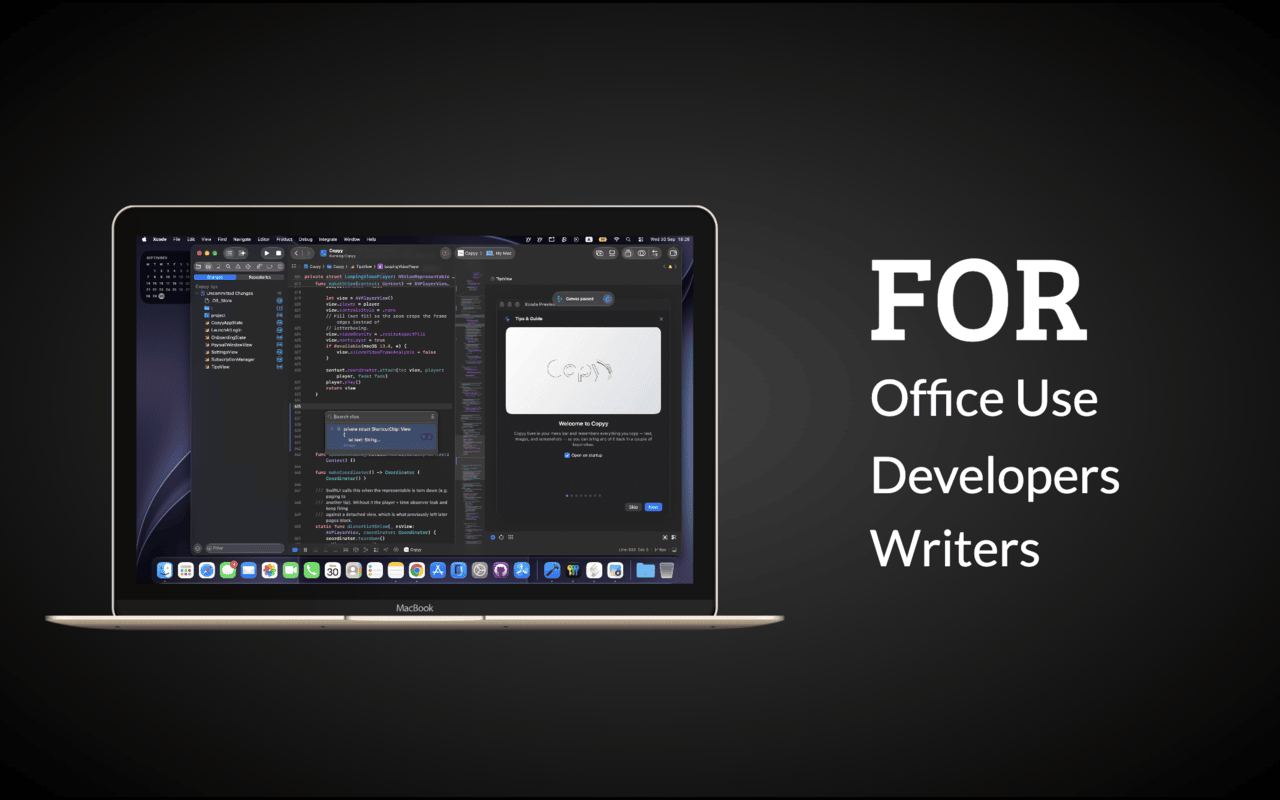
Built for people who copy and paste all day - developers, writers, designers, and anyone drowning in tabs.
Instant recall
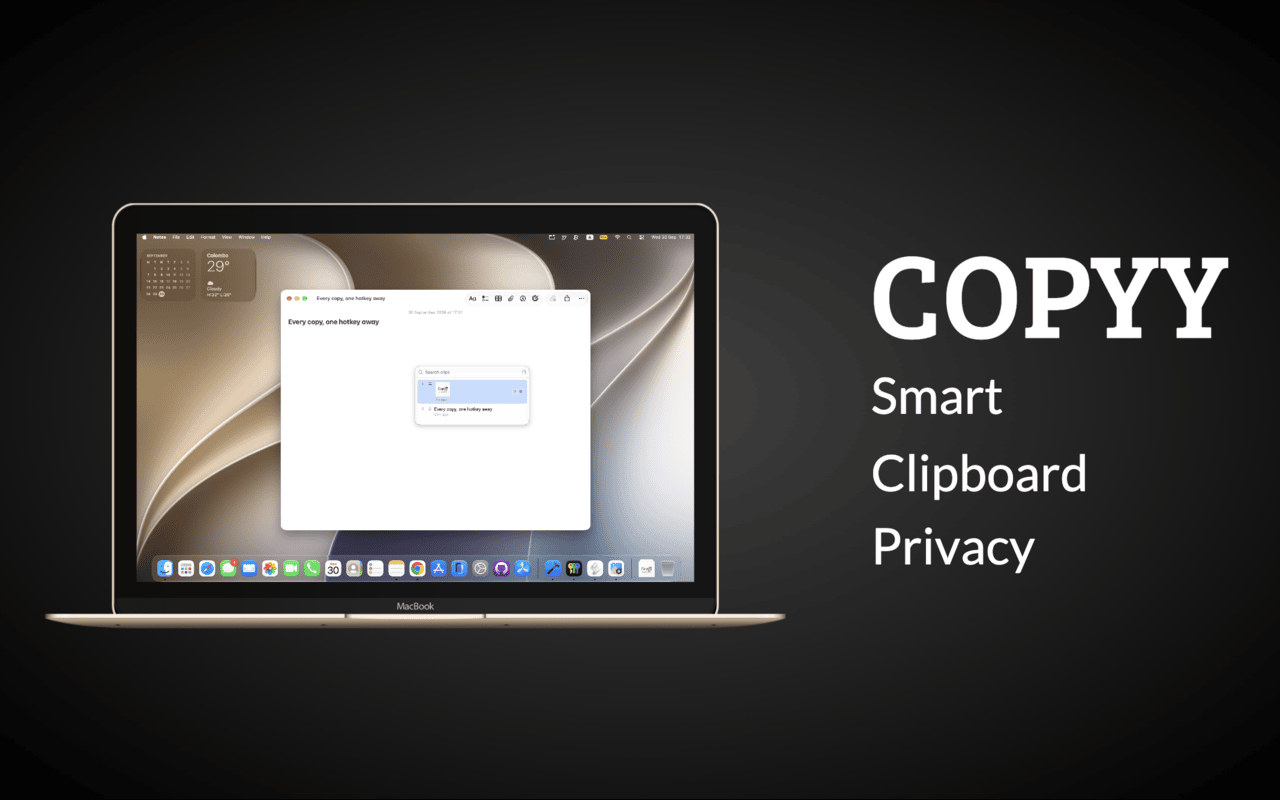
Press ⌥ V anywhere and the clip panel opens right at your cursor. No hunting, no window switching.
Search everything
Just start typing to filter your history. Find that link, snippet, or address from hours ago in a second.
Quick-paste
Every clip has a number. Hit the key and it pastes straight into the app you're using - no clicking required.
Pin what matters
Keep the snippets you reuse - signatures, commands, boilerplate - pinned at the top and always on hand.
Images & screenshots
Copied images land in your history automatically. Point Copyy at a screenshots folder to capture those too.
Secret-aware
Best-effort filters skip passwords, card numbers, one-time codes, and tokens before they're ever stored.
A closer look
See Copyy in action.
Clean, native, and right at home on macOS.
Privacy
Your clipboard is nobody's business but yours.
Copyy was built local-first. There are no servers, no accounts, and nothing to sync.
- Stored only on your MacHistory lives in a local database - it never leaves your device.
- No tracking, no analyticsWe don't run analytics or ad servers. We can't see your clips.
- Auto-clears on your scheduleSet a retention window and old clips clean themselves up.
- You're always in controlPause monitoring or wipe your history any time in Settings.
0 clips in the cloud
Everything Copyy knows stays on the machine in front of you.
How it works
Up and running in under a minute.
Copy like normal
Copyy sits quietly in your menu bar and remembers what you copy as you work.
Open the panel
Press ⌥ V to pull up your history right where your cursor is.
Paste instantly
Click a clip or press its number to drop it into whatever app you're in.
Pricing
Pick a plan, or own it forever.
Start with a 14-day free trial. Upgrade whenever you're ready, including a one-time lifetime unlock.
Monthly
Full access, billed monthly. Cancel anytime from the App Store.
Quarterly
A little off the monthly price for staying a while.
Annual
The lowest monthly cost of the subscription plans. Includes a 14-day free trial.
Lifetime
Pay once, own it forever. No subscription, nothing to cancel.
Subscriptions start with a 14-day free trial, billed through your Apple ID. Cancel before it ends and you won't be charged.
FAQ
Good questions, straight answers.
What is Copyy?
Copyy is a clipboard manager for macOS. It keeps a private, searchable history of what you copy - text, images, and screenshots - so you can paste anything back with a quick keystroke instead of re-copying it.
Does my clipboard history leave my Mac?
No. History is stored locally on your device. Copyy has no servers and doesn't upload, sync, or share your clips. We can't see them.
How do I open the clip panel?
Press ⌥ V (Option + V) anywhere to open the panel at your cursor. The shortcut is rebindable in Settings if you'd prefer a different combination.
Will it store my passwords?
Copyy tries hard not to. Content from known password managers is never stored, and best-effort detectors skip things like card numbers, one-time codes, and tokens. These are heuristic safeguards, not a guarantee, so always be mindful of what you copy.
Why does Copyy ask for Accessibility permission?
It's used only when you paste - to detect the global hotkey and send the clip into the app you're using. It works locally and is never used to record or transmit your activity.
Is there a free trial?
Yes - subscriptions start with a 14-day free trial so you can try Copyy before paying. Cancel any time before the trial ends from your Apple ID subscription settings and you won't be charged. The one-time lifetime unlock is a straight purchase, not a trial.
How do I cancel or manage a subscription?
Subscriptions are handled by Apple. Open the App Store, tap your account, and choose Subscriptions. The lifetime unlock has nothing to cancel - it's yours.
Ready to stop re-copying?
Give your clipboard a memory. Private, fast, and right where your cursor is. Try it free for 14 days.
Start your 14-day free trial